Packages (including model lines), specifications, features, extras, options and equipment levels are subject to change and subject to availability. Some vehicles or equipment pictured and/or featured may not be available locally. Product changes may have been made since production of this content. Please confirm final details of features prior to purchase.
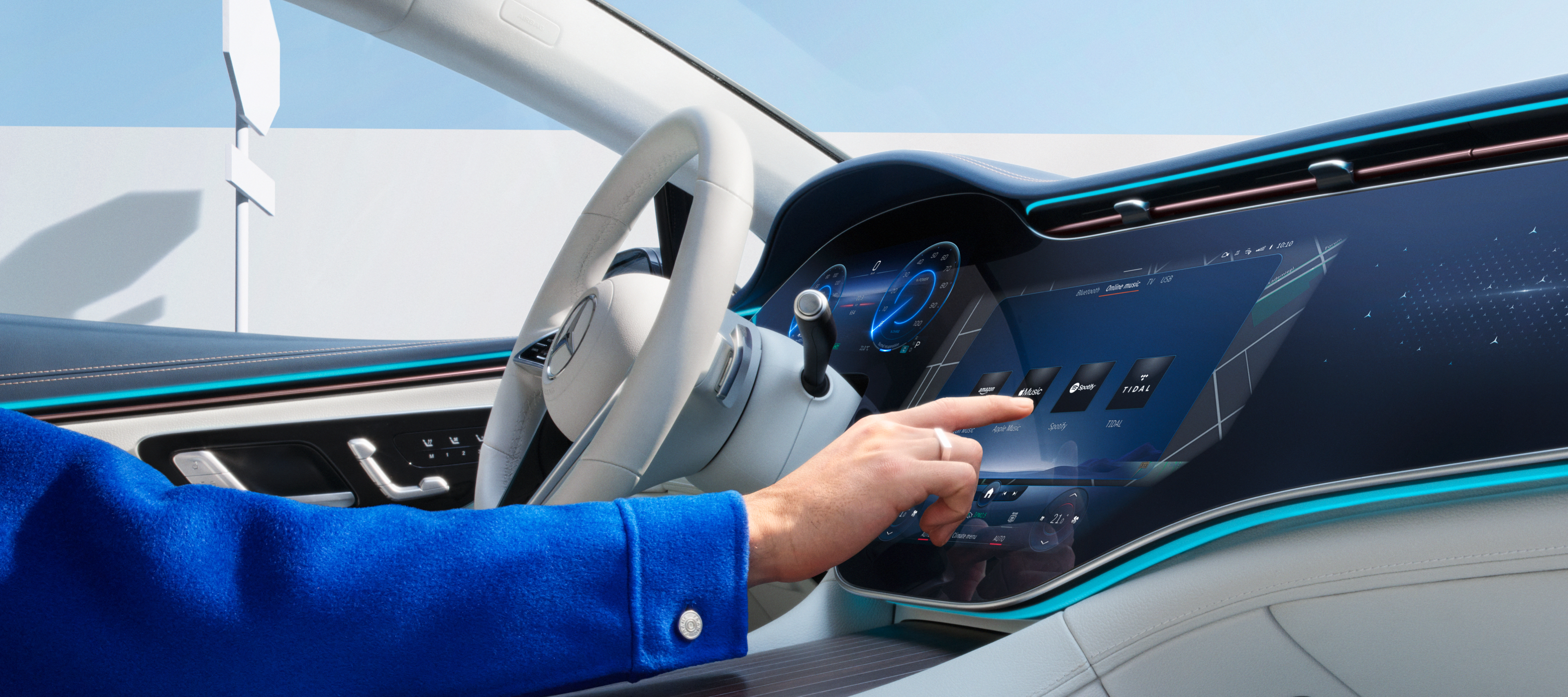;Resize=(828,829) "Digital Extras are selected on the screen of the MBUX multimedia system in a Mercedes-Benz.")
Digital Extras for your Mercedes-Benz.
Simply activate your Digital Extras and experience your Mercedes-Benz in a new way.
Digital Extras
Your Mercedes-Benz. Our Digital Extras.
From the very first moment, your Mercedes-Benz has more to offer than you may know. Depending on your vehicle model, your selected special equipment, the year of manufacture and country, many Digital Extras are already included for a complimentary term of up to 36 months from the purchase of a new vehicle. If you would like to continue to benefit from the advantages of the Digital Extras after the initial term, you can renew them with just a few clicks in the Mercedes-Benz Store.
Year-End Digital Extras Offer
Unwrap a new experience for your Mercedes-Benz this holiday season.
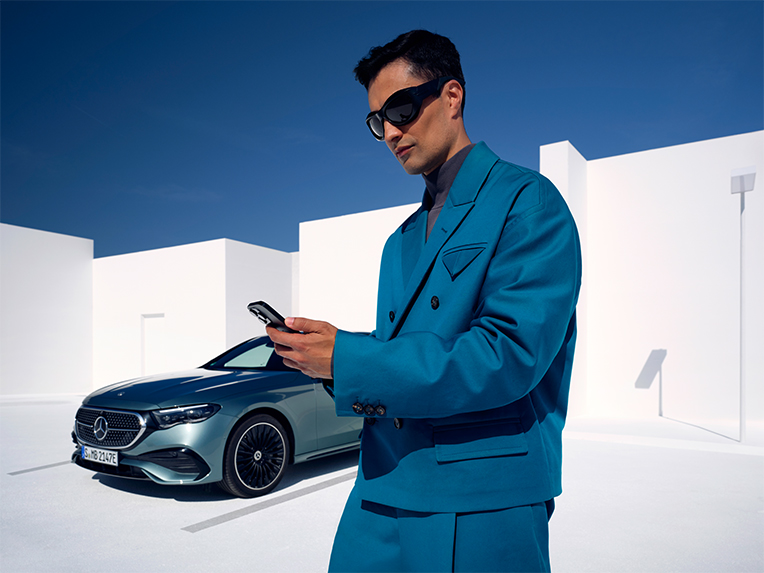
Get the most out of your Mercedes-Benz with limited-time savings of 10% on selected Digital Extras.
;Resize=(600,450) "Q4 ODF Campaign")
Highlights
Adapt your Mercedes-Benz to your life.
Our Digital Extras are the flexible upgrade for your Mercedes-Benz. If you want more comfort, security, service or support, simply add the Digital Extras that best suit you and your life.
Standard Digital Extras
Exclusive Standard Digital Extras. Included in your Mercedes-Benz.
Standard Digital Extras are already installed in your Mercedes-Benz and are complimentary for up to 3 years, depending on your vehicle's capabilities. To begin using them, simply create a Mercedes me ID, link your vehicle to your account and download the Mercedes-Benz App. Your delivering retailer can assist you with this set up during your vehicle handover.
To continue enjoying the benefits of these Digital Extras after the initial complimentary period, you can easily renew them by visiting the Mercedes-Benz Store.
Digital Extras Topics
Our Digital Extras. How you benefit.
Use your smartphone to remotely operate, customise and digitally add to your Mercedes-Benz with our Digital Extras. Many Digital Extras are already included from the time of purchase for a complimentary term of up to 36 months. The exact availability depends on your vehicle, the special equipment you have chosen, the year of manufacture and the country in which you live. After the initial term has expired, you can easily and conveniently renew the desired Digital Extras in the Mercedes-Benz Store.
Additional Digital Extras
Get the most out of your Mercedes-Benz
Explore the range of additional Digital Extras for your Mercedes-Benz and elevate your experience to new heights.
How it works
Use Digital Extras and the Mercedes-Benz App now
- Create a personal Mercedes me ID, agree to the Terms of Use and link your vehicle to your user account.
- Activate, renew or purchase additional Digital Extras in the Mercedes-Benz Store if they are offered for your vehicle. After activation, these are automatically made available in your Mercedes-Benz. First-time activation of the services is possible within 1 year of initial registration or operation by the customer, whichever comes first.
- In the Mercedes-Benz App you will find everything you need to know about your Digital Extras. View your Mercedes-Benz Account online here too.
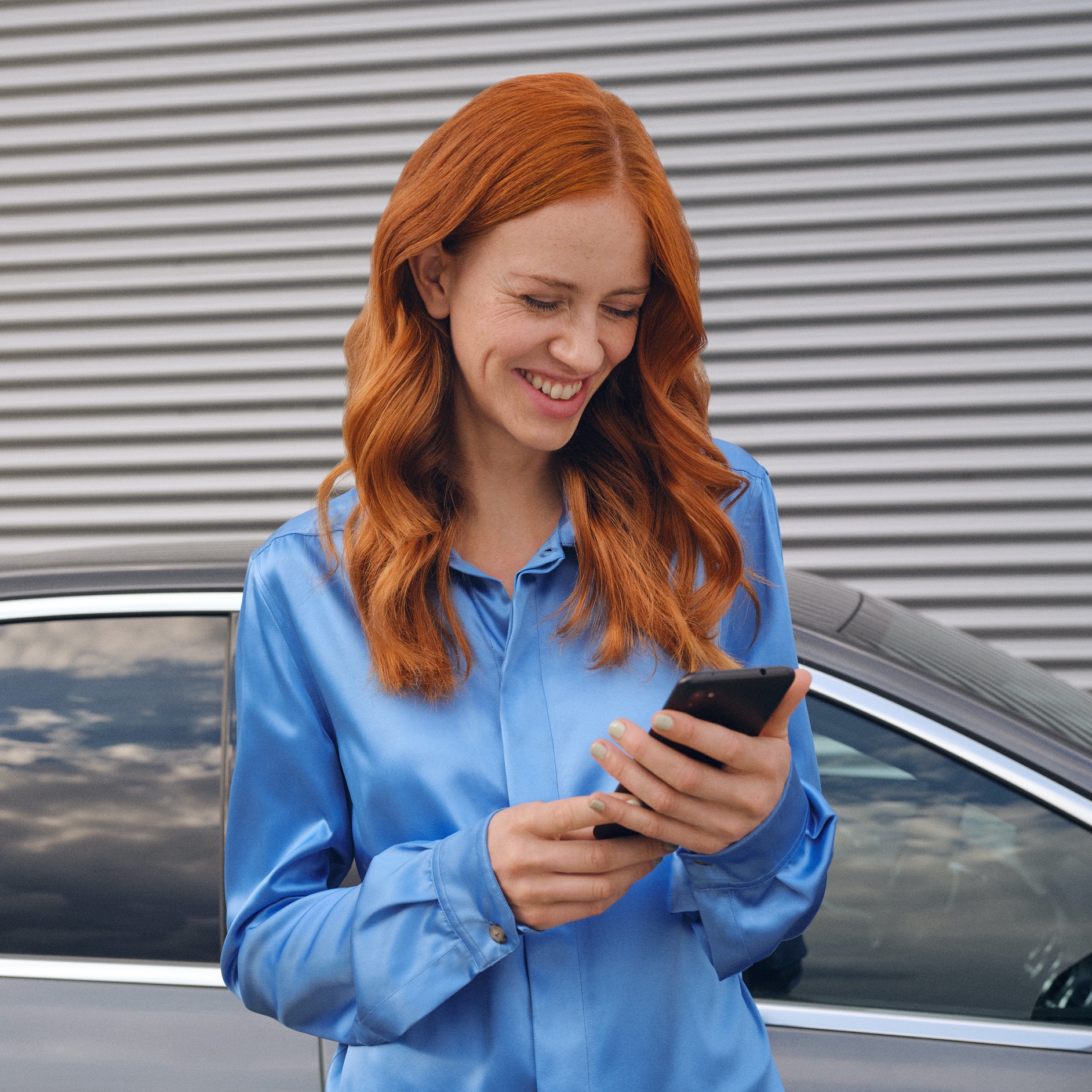;Resize=(600,450) "A woman connects to her Mercedes-Benz via the Mercedes me App on her smartphone.")
FAQs
Do you still have questions about Mercedes-Benz Digital Extras?
Find the most important questions and answers about registration, payment and use here.
To use Digital Extras, you first need a Mercedes me ID. To register for Digital Extras, please follow these steps:
- Download the Mercedes-Benz App from the App Store or Google Play.
- Enter your telephone number or email address and tap "Next".
- Complete your personal information.
- Read the Terms of Use and tick the box to accept them.
- Tap on "Register".
- Enter the verification code sent to your smartphone or email address to complete the registration process.
You get some Standard Digital Extras with your vehicle that you don’t have to buy. However, to benefit from additional services, a purchase is necessary. Please note some Digital Extras will be complimentary for up to 36 months, and can be renewed via the Mercedes-Benz Store after expiry.
These are some of our most popular services:
- Remote Vehicle Status
- Vehicle Tracker
- Parked Vehicle Locator
- Remote Engine Start
- Live Traffic Information
- Send2Car
The following services are included free of charge:
- Maintenance Management
- Accident Recovery and Breakdown Management
- Telediagnosis
- Remote Vehicle Diagnostics
To purchase a Digital Extra, please follow these steps:
1. Download the Mercedes-Benz App.
2. Open the app on your smartphone.
3. Select a product from the list and tap "Add to basket".
4. Tap on "Go to basket" to proceed to checkout.
5. Tap on "To payment" and select a means of payment.
6. To complete your order, tap on "Order at cost now".
To discover and purchase all available services, please visit the Mercedes-Benz Store online or download the Mercedes-Benz Store App and log in with your Mercedes-Benz ID.
There are two ways to renew services or purchase new services:
- You will receive a reminder by email 2 weeks before the end of the term. Simply follow the link in the email to renew your services.
- You can purchase new services and extend terms at any time in the Mercedes-Benz Store app. These are automatically appended to your current terms.
Please follow these steps to renew or purchase services that are ending:
1. Open the Mercedes-Benz Store.
2. Tap "Renew" in the menu.
3. Select your desired term.
4. Tap on "To payment".
5. Tap on "Order at cost now" to complete your order.
To use Mercedes me Charge, you must first activate the service in the Mercedes-Benz App, agree to the Mercedes me Charge terms, and then conclude a Mercedes me Charge charging contract with a selected third party.
To activate Mercedes me Charge:
1. Open the Mercedes-Benz App.
2. Tap the three-bar menu icon in the upper left corner of the screen to expand the side menu.
3. Tap on your EV.
4. Select Manage services.
5. Tap on Charging.
6. Tap the button “Mercedes me Charge” to activate the service.
Register for a Mercedes me Charge charging contract:
1. Tap on "Register charging contract".
2. Tap on "Next" to be redirected to the page of the third-party provider.
3. Login or Register your Mercedes me ID.
4. Tap on "Create profile".
5. Complete your personal information.
6. Add your payment method.
7. Enter your Mercedes me Charge RFID Card details to activate the service. If you did not receive your Mercedes me Charge RFID card, you can order via the app.
Please follow these steps to lock and unlock the vehicle doors via the Mercedes-Benz App:
1. Open the Mercedes-Benz App.
2. Select "Lock status".
3. Check the lock status at the top of the screen to see if the doors are locked or open.
4. Tap the button to lock or unlock the doors.
5. Enter your four-digit PIN to confirm or use Face ID.
You can send an address direct to your vehicle via the Mercedes-Benz App. Once you have confirmed the destination, your navigation system will take you there.
Please follow these steps to send a destination to your vehicle:
1. Open the Mercedes-Benz App.
2. Tap on "Your location".
3. Select your destination by searching for a city or address.
4. Tap on "Route".
5. Tap on "Send address to vehicle".