;Resize=(800,800) "Digital Extras | Mercedes-Benz")
Digital Extras for your Mercedes-Benz.
All Digital Extras available for your vehicle can be found exclusively in the Mercedes-Benz Store.
All Digital Extras available for your vehicle can be found exclusively in the Mercedes-Benz Store.
Information provided and images displayed on this page may include overseas models and features not available in New Zealand. Vehicle specifications are subject to change and availability. Product changes may have been made since production of this content and visual appearance may be different in person. Please confirm specific information on vehicles and features available prior to purchase.
;Resize=(600,450) "Digital Extras | Mercedes-Benz")
Current Offer
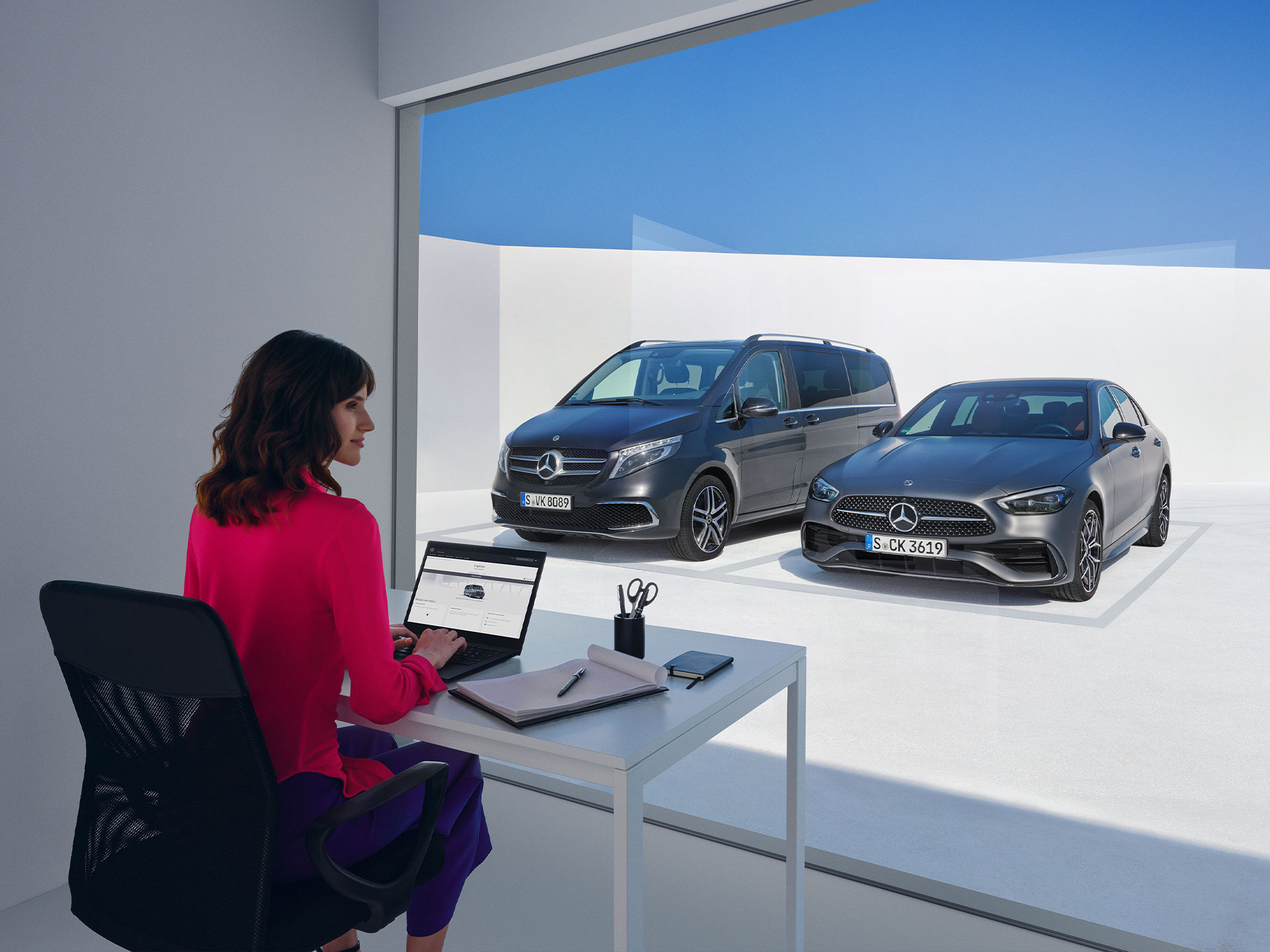
For a limited time, save 10% on a range of Digital Extras and discover more ways to make every drive your own.
Designed around the way you drive, Mercedes-Benz Digital Extras offer curated packages that elevate the ownership experience through greater convenience, reassurance and connected services. With additional extras available on demand, your Mercedes-Benz can be personalised to reflect what matters to you most.
;Resize=(600,450) "Digital Extras")
Standard Equipment Digital Extras
Digital Extras
Mercedes me ID
Standard Digital Extras
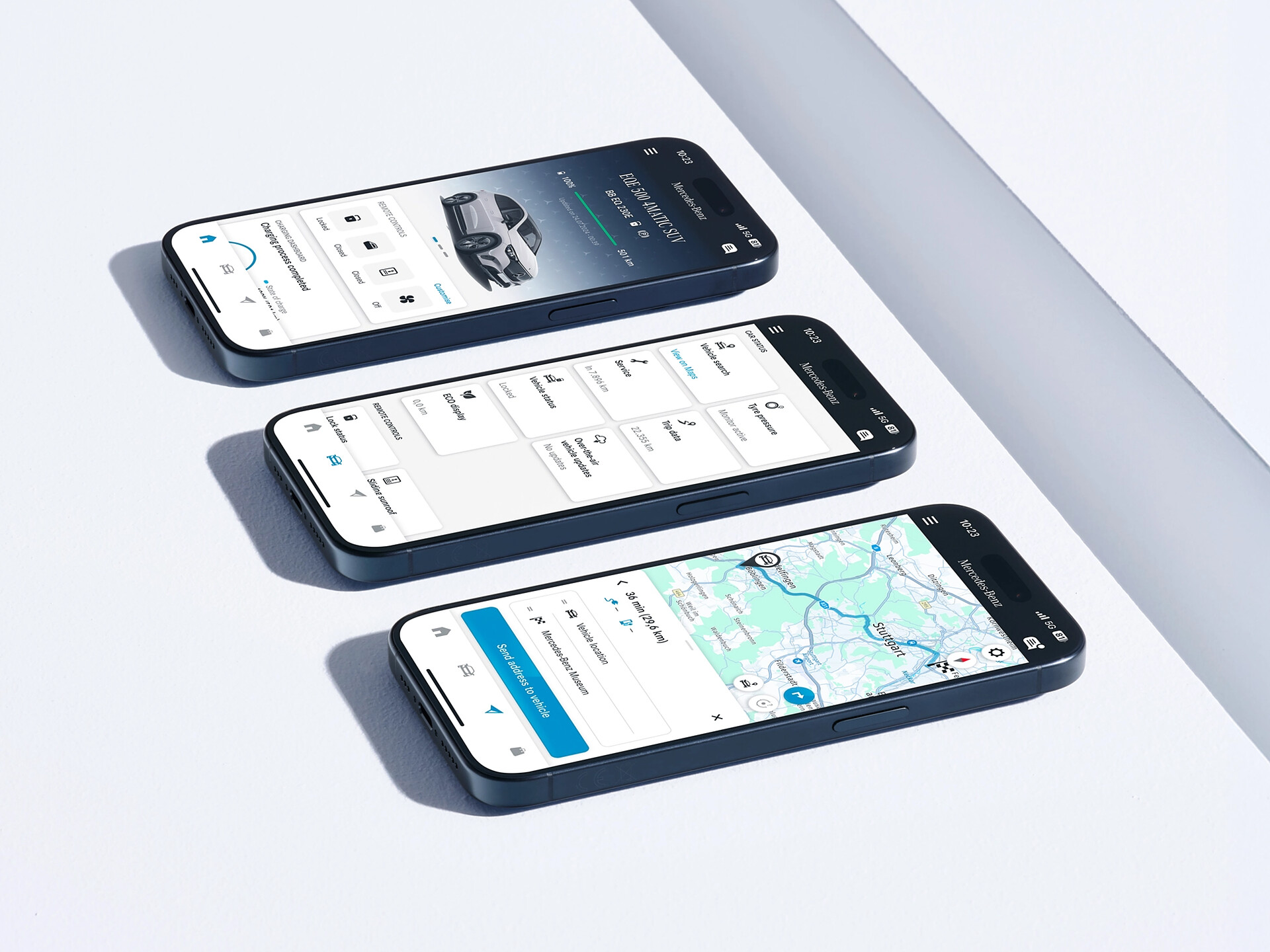
Our Standard Digital Extras are already installed in your Mercedes-Benz before you get in for the first time. To use these Standard Digital Extras, all you need to do is create a Mercedes me ID, agree to the Terms of Use, link your vehicle to your Mercedes-Benz Account and download the Mercedes-Benz App on your smartphone. Certain Digital Extras are complimentary for up to 3 years, depending on your vehicle's capabilities. You can confirm which Digital Extras are complimentary for up to 3 years via the personal profile on the local Mercedes-Benz website. To begin using them, at vehicle handover simply set up a Mercedes-Benz Account and accept the terms and conditions, pair your vehicle to a Mercedes-Benz Account and activate your complimentary Digital extras through the Mercedes-Benz App. Your preferred retailer should assist you to complete this step at vehicle handover. Alternatively, to activate yourself, see the steps below.
Mercedes-Benz App > click the three-line icon on top left > click vehicle of choice > click 'Manage Digital Extras' > click ‘Activate all services’
Should you wish to continue enjoying the benefits of these Digital Extras after the initial period, you can easily renew them by visiting the Mercedes-Benz Store.
Standard Equipment Digital Extras
Our Standard Equipment Digital Extras are already installed in your Mercedes-Benz before you get in for the first time. To use these Standard Equipment Digital Extras, all you need to do is create a Mercedes me ID, agree to the Terms of Use, link your vehicle to your Mercedes-Benz account and download the Mercedes-Benz App on your smartphone.
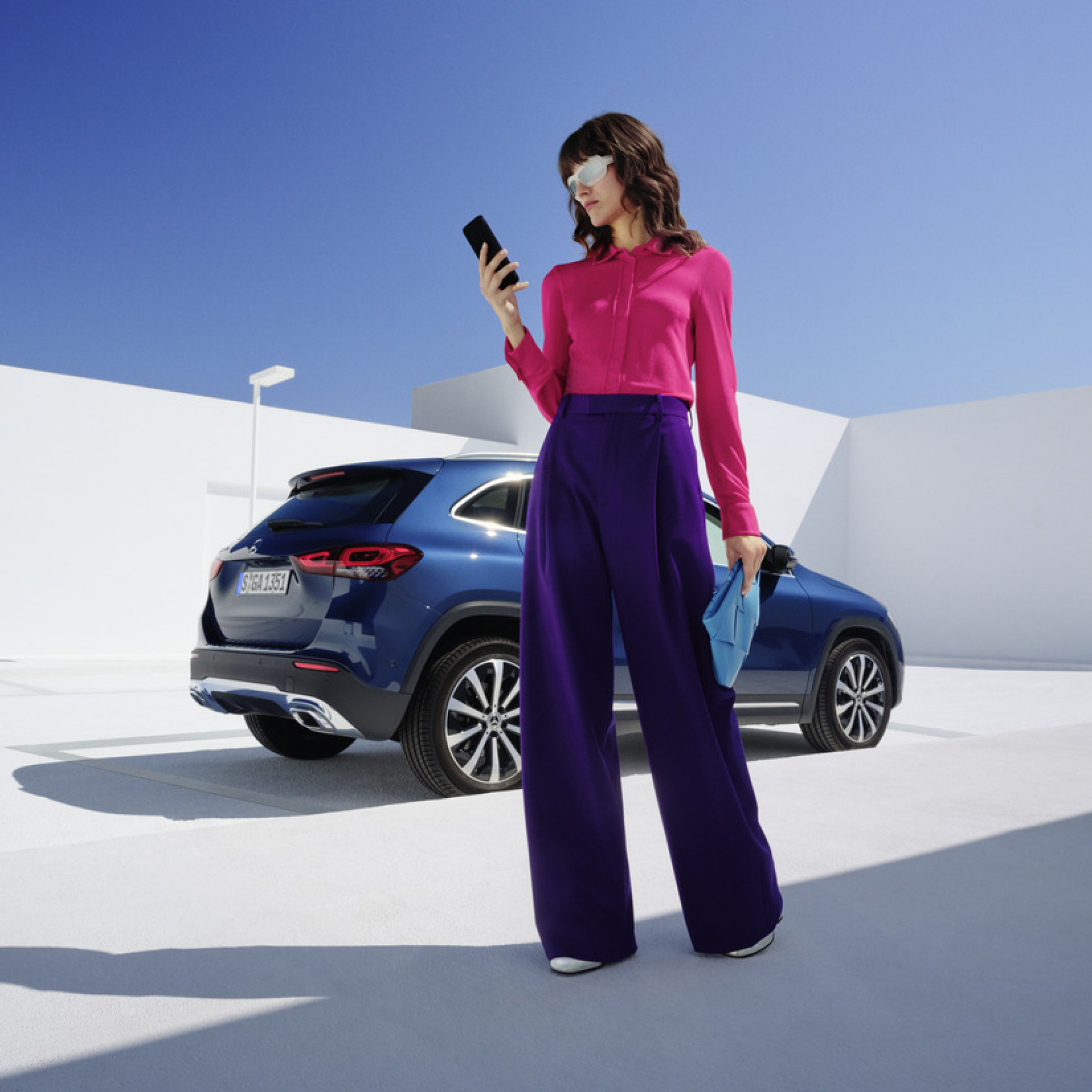
Currently, customers have the option to extend complimentary Digital Extras following their expiration by paying a renewal fee via the Mercedes-Benz Store. Now in addition to the duration of 12 and 36 months, Digital Extras will also be offered as indefinite monthly subscriptions with the possibility to cancel them at the customer’s convenience. The first period of an indefinite monthly subscription will be offered as a free trial month. Free trial period is offered in the first month of an unlimited indefinite monthly subscription (once per service package, customer and vehicle). For more information and to view terms of use, login to your personal profile on the local Mercedes-Benz website.
Greater flexibility: customer can buy and cancel the Mme connect products anytime.
Perceived affordability: lower upfront investments due to monthly payments.
Greater convenience: possibility to test new products easily.
Login to the Mercedes-Benz Store to view our range of Subscription product offerings tailored to your vehicle.
;Resize=(600,450) "Monthly subscription option for your Digital Extras")
Digital Extras Packages
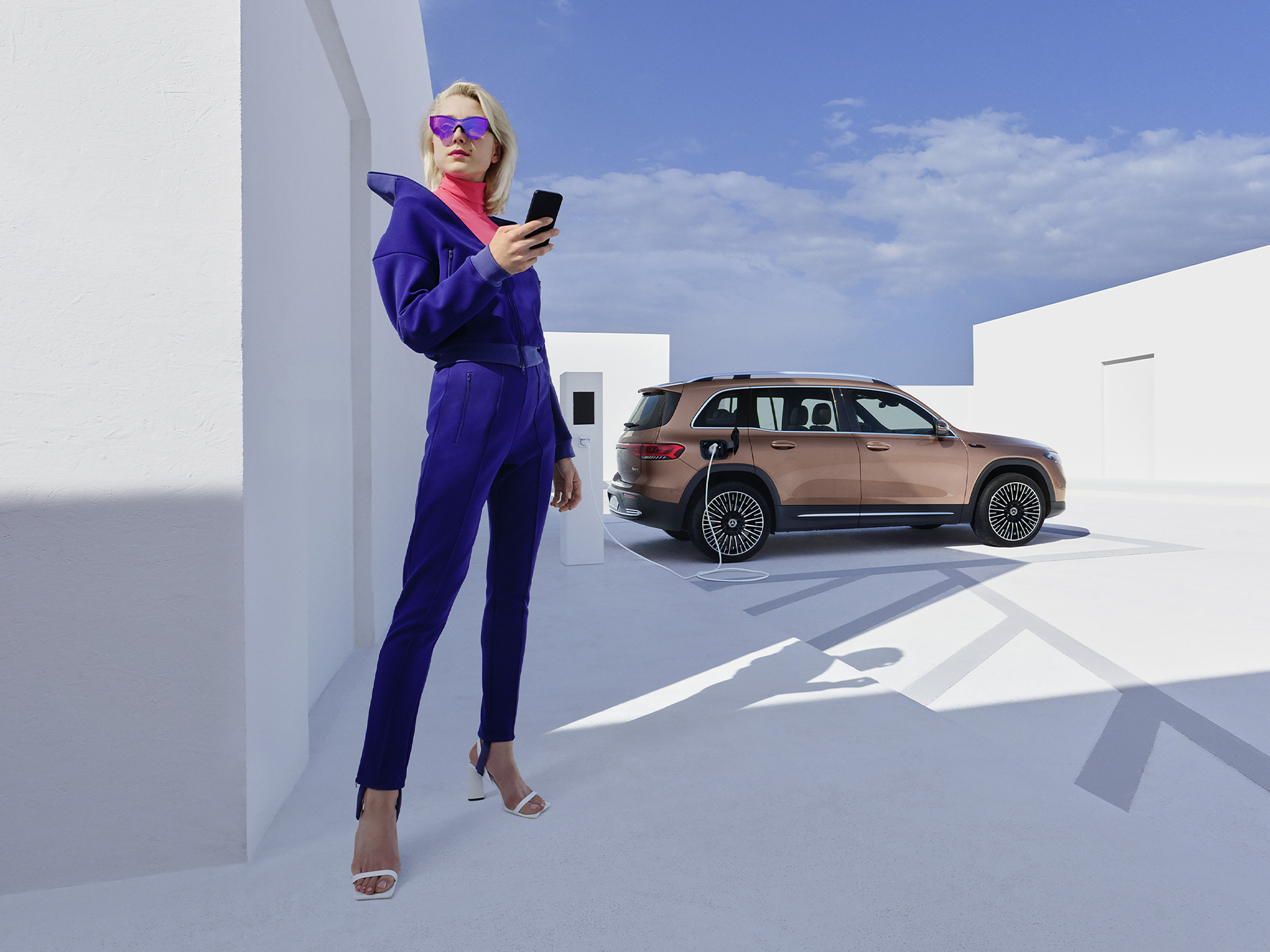
Get the upgrade for your Mercedes-Benz with our Digital Extras, and use your smartphone to remotely operate, customise and digitally add to your vehicle. There are Digital Extras such as Remote, Navigation, Guard 360 Package included to easily and conveniently extend in the Mercedes-Benz Store. There are Digital Extras already included from the time of activation for a complimentary term of up to 36 months. The exact availability depends on your vehicle, the special equipment you have chosen, the year of manufacture and the country in which you live. After the initial term has expired, you can easily and conveniently renew the desired Digital Extras in the Mercedes-Benz Store or via the In-Car Store in your vehicle.
Digital Extras by Topic Areas
Mercedes-Benz Apps
;Resize=(600,450) "Mercedes-Benz Apps | Digital Extras | Mercedes-Benz")
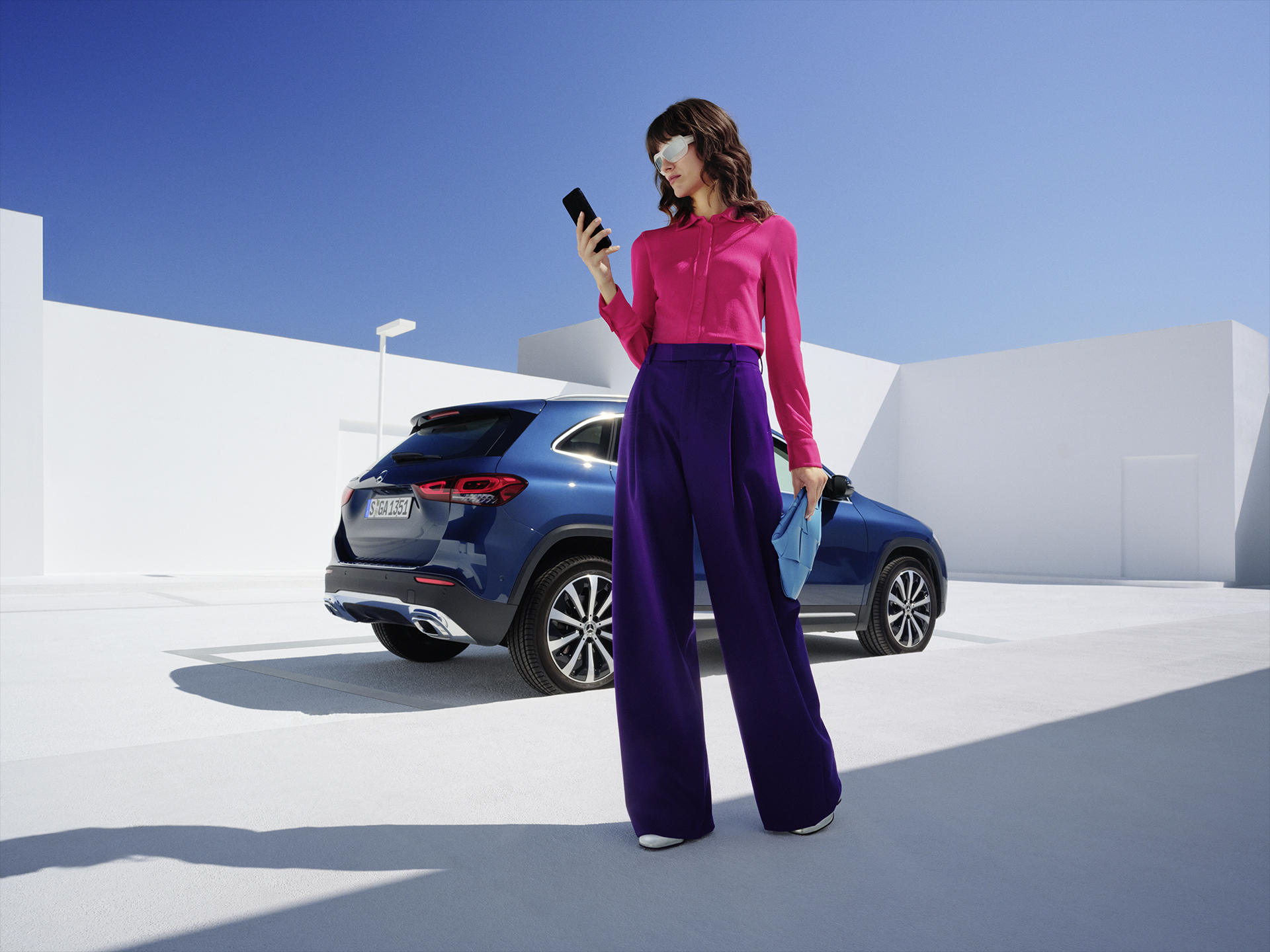
Log in or register with your Mercedes me ID to experience our Digital Extras. Your personal Mercedes me ID is the key to the digital world of Mercedes-Benz and offers even more benefits beyond:
;Resize=(600,450) "Mercedes me ID | Digital Extras | Mercedes-Benz")
Additional Digital Extras
With our additional Digital Extras, you have the option of adapting your Mercedes-Benz to your wishes and needs at a later point in time. Simply choose the Digital Extra that suits you and your lifestyle, and experience your vehicle in a whole new way. Time and time again.
FAQ
To use Mercedes-Benz Digital Extras, you first need a Mercedes me ID. To register for Mercedes-Benz Digital Extras, please follow these steps:
1. Download the Mercedes-Benz App from the App Store or Google Play.
2. Enter your telephone number or email address and tap "Next".
3. Complete your personal information.
4. Read the Terms of Use and tick the box to accept them.
5. Tap on "Register".
6. Enter the verification code sent to your smartphone or email address to complete the registration process.
Some Digital Extras come with your vehicle, you don't have to buy them. To benefit from additional services however, a purchase is necessary here.
These are some of our most popular services:
• Remote Retrieval of Vehicle Status
• Vehicle Tracker
• Parked Vehicle Locator
• Remote Engine Start
• Live Traffic Information
• Send2Car
The following services are included free of charge:
• Maintenance Management
• Accident Recovery and Breakdown Management
• Telediagnosis
• Remote Vehicle Diagnostics
• Intelligent Status & Service
To purchase a Digital Extra, please follow these steps:
1. Download the Mercedes-Benz App.
2. Open the app on your smartphone.
3. Select a product from the list and tap "Add to basket".
4. Tap on "Go to basket" to proceed to the checkout.
5. Tap on "Order now" and select a means of payment.
6. To complete your order, tap on "Buy now".
To discover and purchase all available services, please visit the Mercedes-Benz Store online or download the Mercedes-Benz Store App and log in with your Mercedes me ID.
iOS
Android
There are two ways to renew services or purchase new services:
Please follow these steps to renew or purchase services that are expiring:
1. Open Mercedes-Benz Store.
2. Tap "Renew" in the menu.
3. Select your desired term.
4. Tap on "Order now".
5. Tap on "Buy now" to complete your order.
iOS
Android